A screenshot can contain an impressive environment and still leave the eye unsure where to look. These three exercises give you a specific decision to make. They are creative suggestions, not game mechanics or rules that every successful image must obey.
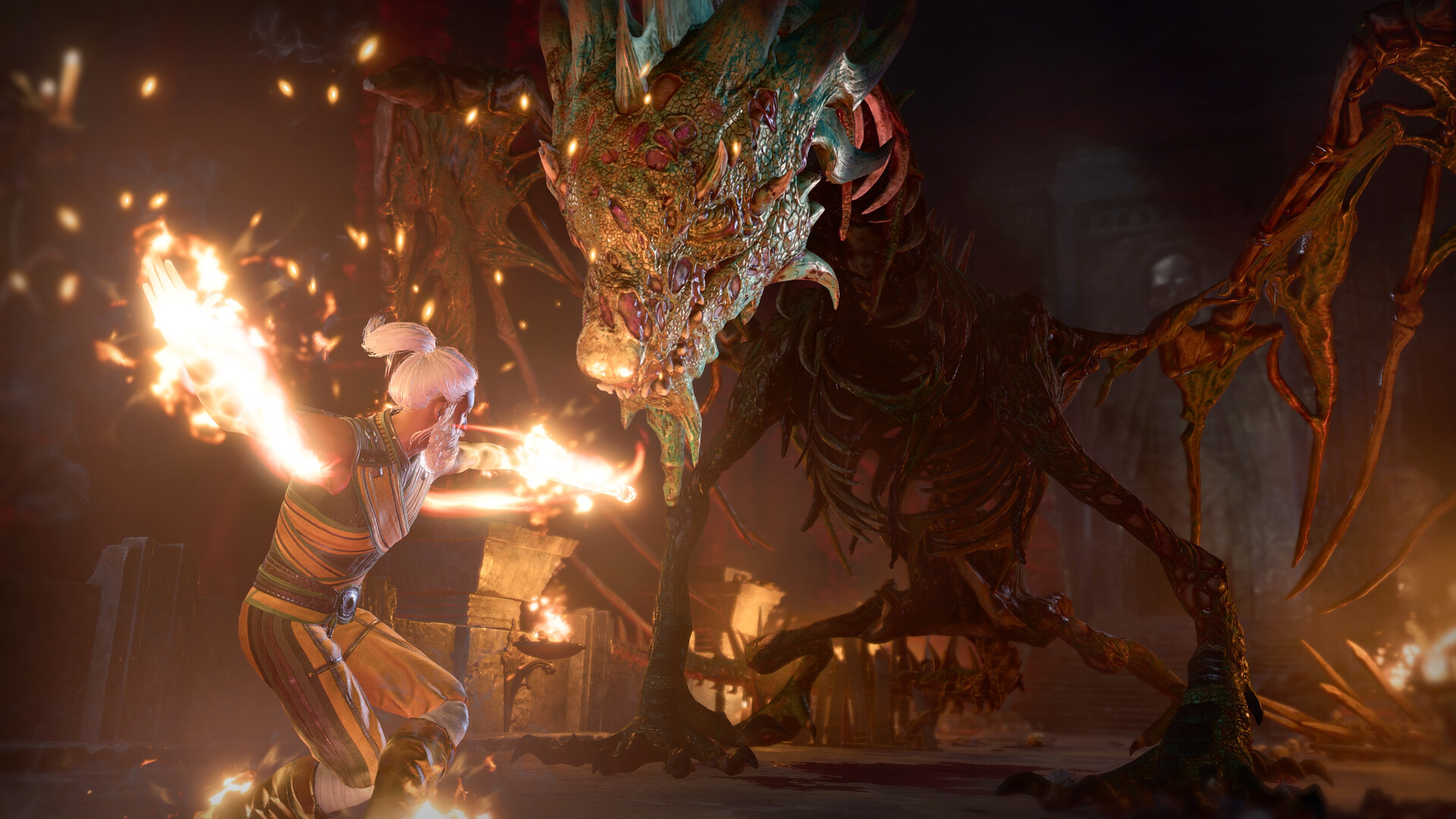
Exercise one: choose a visual anchor
Before adding an effect, name the subject in a few words. It might be a character’s gesture, two figures facing each other, or the scale of a place. Then look at the image small. If another shape attracts your attention first, decide whether to simplify the frame or change your stated subject.
The official city still on our homepage offers a useful study. A rooftop figure provides a foreground anchor, the courtyard supplies an intermediate plane, and distant architecture establishes depth. That is our reading of a promotional image, not an account of how its original photographer made it.
Exercise two: separate the planes
Find a foreground edge, a middle-distance subject and a background. You do not need to fill all three with detail. Try a second version in which one plane becomes quieter. Compare the two at the same size and ask whether the intended subject is easier to find.
The homepage grid is a reference overlay for that observation. It does not move the in-game camera or automatically make the composition better. A subject placed between grid intersections can be just as effective if the overall relationship is clear.
Exercise three: leave deliberate space
For a portrait, notice the direction of the face or gesture. Try leaving more open area in that direction, then try the opposite. For a group, check whether silhouettes merge. For a landscape, decide whether the environment or the figure should occupy the larger share of the frame.
Compare, then keep a reason
Save an unaltered reference and one experimental version. Write a single sentence about what changed. If you prefer one, say why: clearer gesture, calmer background, stronger scale, or a more interesting relationship. That note is more useful for the next image than remembering a list of slider values without a purpose.
For controls and scene restrictions, use the operation guide. For an original, organized collection, use the archive method.
Evidence behind this guide
-
Steam — Baldur’s Gate 3
Official product identity, PC platforms, features and system requirements. Prices depend on account region and time. -
Larian: Channel From Hell — Photo Mode tips and tricks
Official developer video, published 22 April 2025. Linked rather than embedded; no third-party player loads here.
Our examples and checklists are editorial aids. They are not a live compatibility test, benchmark or substitute for current in-game conditions.