A collection becomes more useful when you can find an image without reopening every file. Begin by identifying which capture method you used: the game’s photo mode, a platform capture function or another tool. Those methods may write to different locations.
Find the relevant capture
Larian’s Patch 8 article gives the PC photo-mode folder as Documents/Larian Studios/Baldur’s Gate 3/Screenshots and the Mac folder under Pictures/Larian Studios/Baldur’s Gate 3/Screenshots. Console captures are accessed through the platform’s media gallery. A screenshot taken with a different capture tool may instead follow that tool’s settings.
Use a name that explains your intent
For your own archive, a simple pattern is enough: date, broad subject and version. For example, 2026-11-10_city-depth_v02 tells you when an experiment was made and which idea it tested. This is our naming suggestion, not a filename the game automatically creates.
Separate reference and experiment
Keep one capture that represents your starting point and place experimental versions alongside it. Do not overwrite the only original while deciding which treatment you prefer. A brief note such as “quieter background” or “more space in front of the gesture” makes the comparison understandable later.
Make sharing a second decision
An image may reveal a location, a character or a story state even if its caption does not. Before sharing with someone who is still playing, inspect both the frame and the filename. A neutral label can avoid adding a spoiler, but it cannot make a revealing image spoiler-free.
Credit what is actually yours
If you publish your own capture, describe it as your capture from the game and respect the relevant rights and community rules. If you use official promotional material for analysis, label it as promotional material. Do not present another player’s gallery as your experience or invent permission to reuse their work.
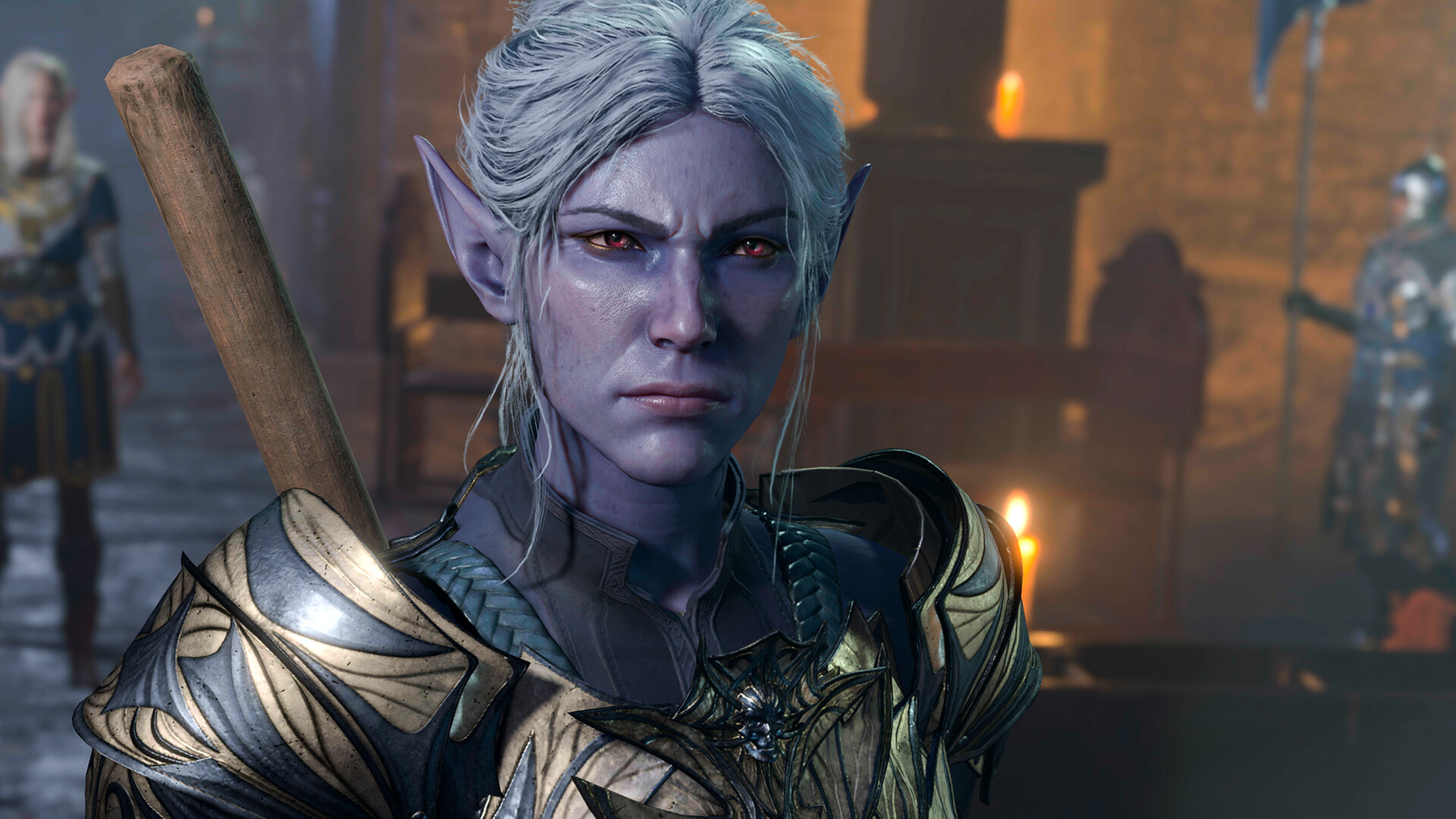
Our homepage deliberately labels its official still. The creative contribution is the accompanying observation and exercises. For a method you can try with your own captures, return to the three composition exercises.
Evidence behind this guide
-
Larian — Patch 8 release notes
Dated 15 April 2025. New subclass names, selection levels and the scope of Patch 8 features; not a claim that no later fixes exist. -
BG3 Wiki — Photo mode
Community-maintained secondary reference. Useful context; developer documentation takes priority for feature limits.
Our examples and checklists are editorial aids. They are not a live compatibility test, benchmark or substitute for current in-game conditions.