Begin with the adventure, then decide which moments you want to photograph. Baldur's Gate 3’s environments and characters are part of a roleplaying game, with interactions and turn-based encounters that give a scene its context.
1. Start or load a campaign
After the official installation is complete, launch the game and start New Game or load your own progress. For a first run, read the difficulty descriptions and choose how much challenge you want while learning. Create a custom protagonist or choose an Origin character, then follow the opening tutorial.
2. Learn the normal play loop
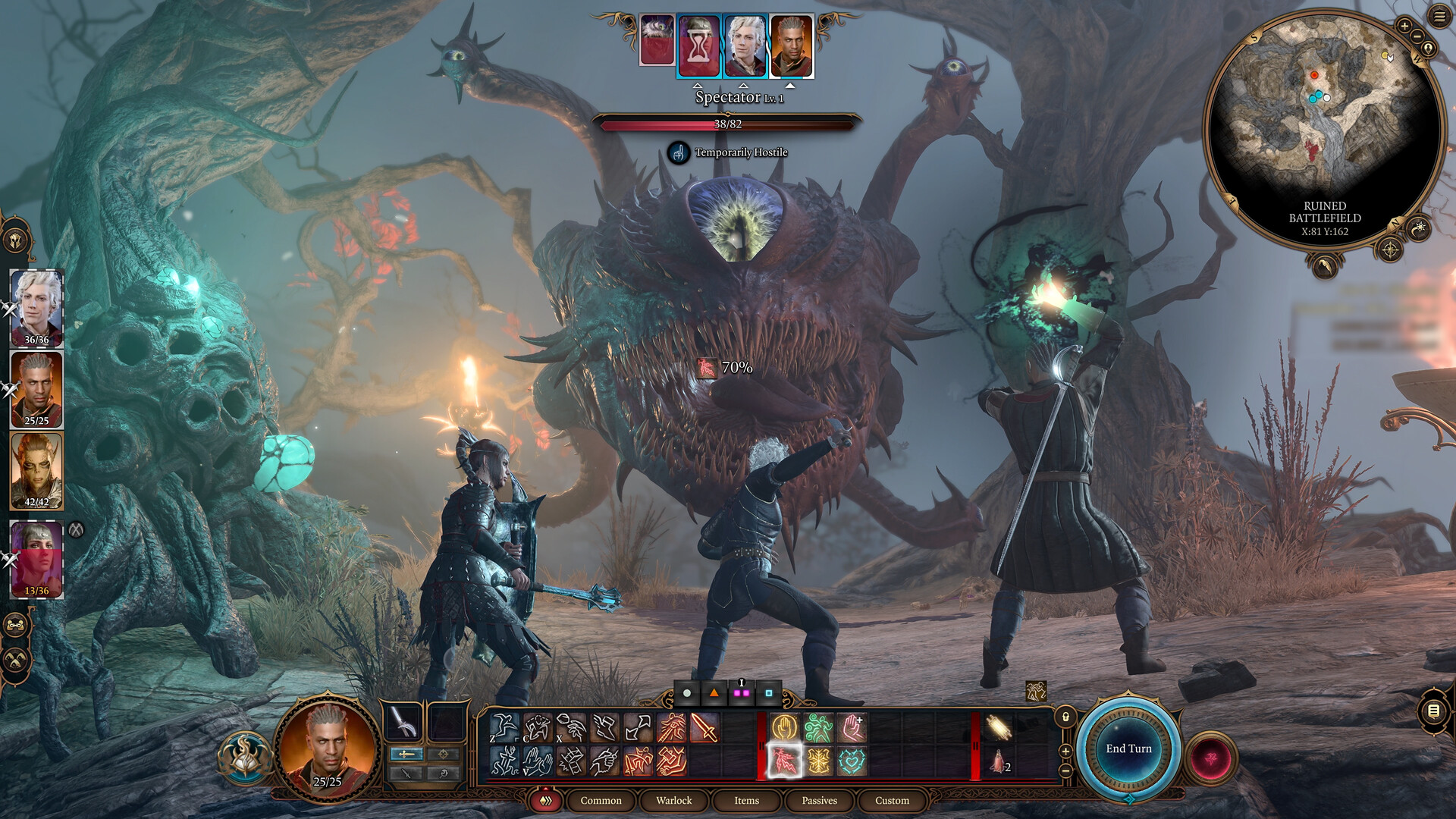
Explore a space, interact with an object or character and consider the response. During combat, inspect your available choices, target information and the turn order rather than treating the game as a continuous action sequence. You can enjoy this loop without making photographs.
3. Notice a subject
When a character gesture, a landscape or a relationship catches your eye, decide what you want the image to communicate. That decision comes before a long list of visual effects. It gives you a reason to prefer one frame over another.
4. Use the in-game camera
The developer lists F9 as the PC shortcut and pressing both analogue sticks on console. The camera icon is another entry point. Not every context allows the same adjustments: dialogue and cinematics restrict repositioning and camera-angle changes. Check the control reference when a particular scene behaves differently.
5. Capture and compare
Save an original and one deliberate variation. Write what changed: the space around the subject, the direction of a gesture or the amount of competing detail. The composition exercises give you three ways to practice. For finding and naming captures, continue to the archive guide.
Evidence behind this guide
-
Steam — Baldur’s Gate 3
Official product identity, PC platforms, features and system requirements. Prices depend on account region and time. -
PlayStation — Baldur's Gate 3 game overview
Official platform overview of the story premise, characters, exploration and tactical combat. -
PlayStation — An introduction to BG3 and Dungeons & Dragons
Official platform editorial introduction. Used for the starting context, not as a substitute for the game’s current tooltips. -
BG3 Wiki — Difficulty
Community reference for difficulty modes; the recommendation to consider Explorer is editorial, not a requirement. -
Larian — Patch 8 release notes
Dated 15 April 2025. New subclass names, selection levels and the scope of Patch 8 features; not a claim that no later fixes exist. -
Larian: Channel From Hell — Photo Mode tips and tricks
Official developer video, published 22 April 2025. Linked rather than embedded; no third-party player loads here.
Our examples and checklists are editorial aids. They are not a live compatibility test, benchmark or substitute for current in-game conditions.