To use BG3’s photo mode, you need the game itself. This site’s composition overlay is a reading aid, not a free standalone version of the camera or an installer for Baldur's Gate 3.
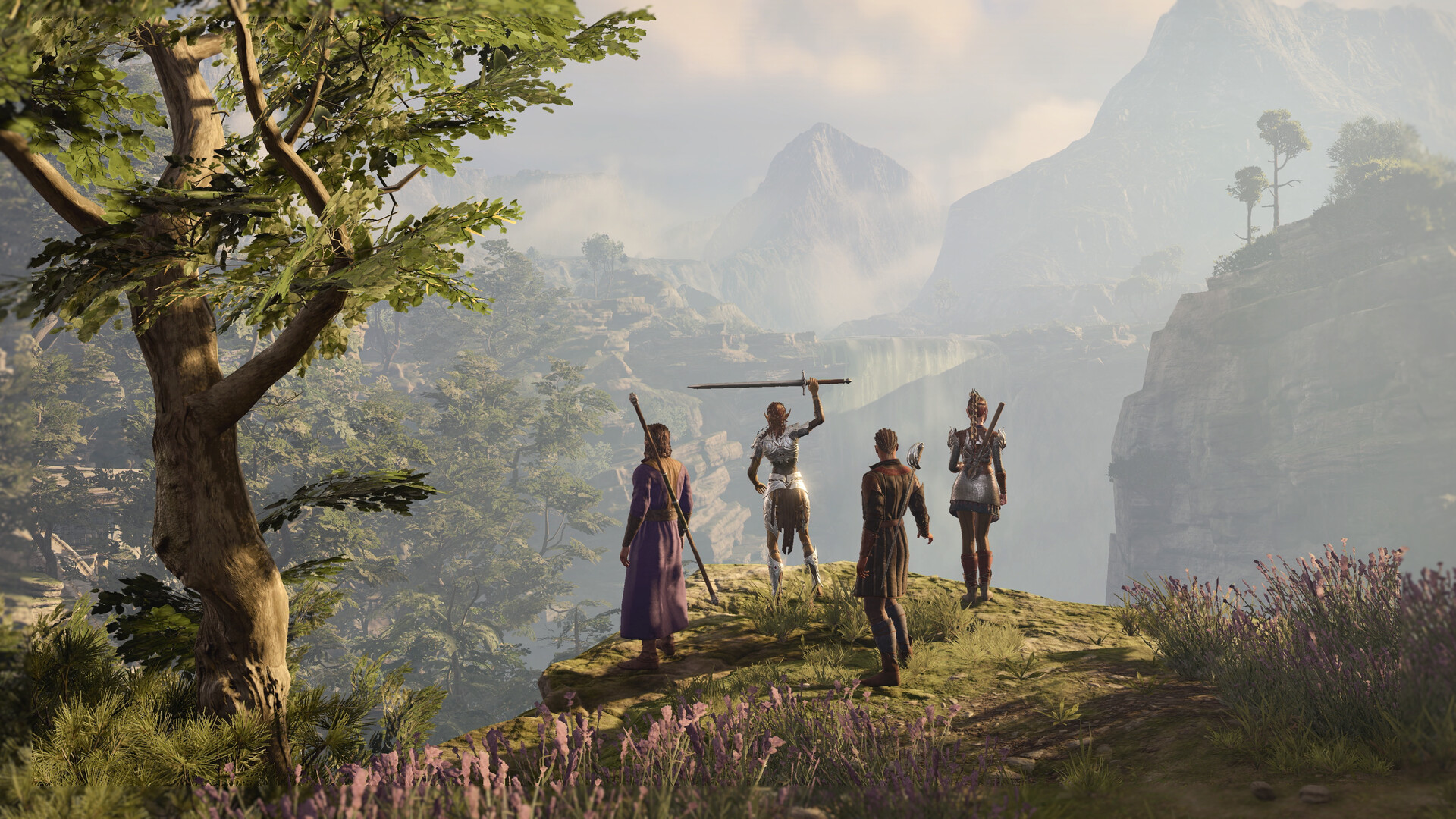
Install the game on the device where you want to capture
- Choose a supported platform and open its official game store below.
- Confirm the purchase licence or an eligible current offer on your account; availability and prices vary by region.
- Install from the store’s library or collection. In Steam, that means opening the desktop client, selecting Baldur's Gate 3 in Library and choosing Install.
- Let installation and official updates finish before launching the game.
- Start a new campaign or load your own save, then look for the in-game photo controls when the scene permits them.
Make room for the adventure, not only the images
The PC requirements cited here list 150 GB of available storage and require an SSD. This is the game’s storage requirement, not an image-export size or an exact download amount. Check the current requirements and keep room for updates and your own captures.
There is no need to download an unofficial camera tool to begin
Photo mode was added by the developer in Patch 8. Begin with the official in-game feature before deciding whether a third-party modification serves a separate need. This guide does not distribute mods, camera executables or accounts.
After installation
The play-and-capture introduction starts with the normal adventure, then explains the transition into photo mode. If you already know the game and only need a control reference, go straight to photo-mode controls.
Official download entries
Before you press Play
Let the store finish its update check, confirm that your chosen input device works and make your first goal small: reach character creation, understand one interaction and learn one turn. Continue to how to play →
Evidence behind this guide
-
Steam — Baldur’s Gate 3
Official product identity, PC platforms, features and system requirements. Prices depend on account region and time. -
GOG — Baldur’s Gate 3
Official alternative PC storefront. Check the current listing and your purchased licence before downloading. -
PlayStation Store — Baldur's Gate 3
Official PS5 purchase entry. Check current regional prices, offers and online-play conditions. -
Xbox — Baldur's Gate 3
Official Xbox purchase entry; confirm your device and licence. -
Larian Support — System Requirements
Developer requirements for Windows and Mac. Available storage is not the exact network download size.
Our examples and checklists are editorial aids. They are not a live compatibility test, benchmark or substitute for current in-game conditions.